Your LuperIQ Account
With a free Orbit account, you unlock the full platform — save results, tip experts, share your stories, and get your own @luperiq.com email.
Your Dashboard #
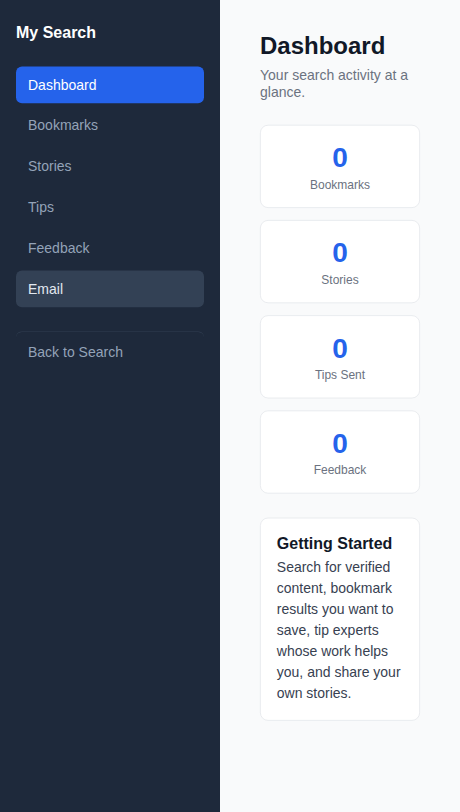
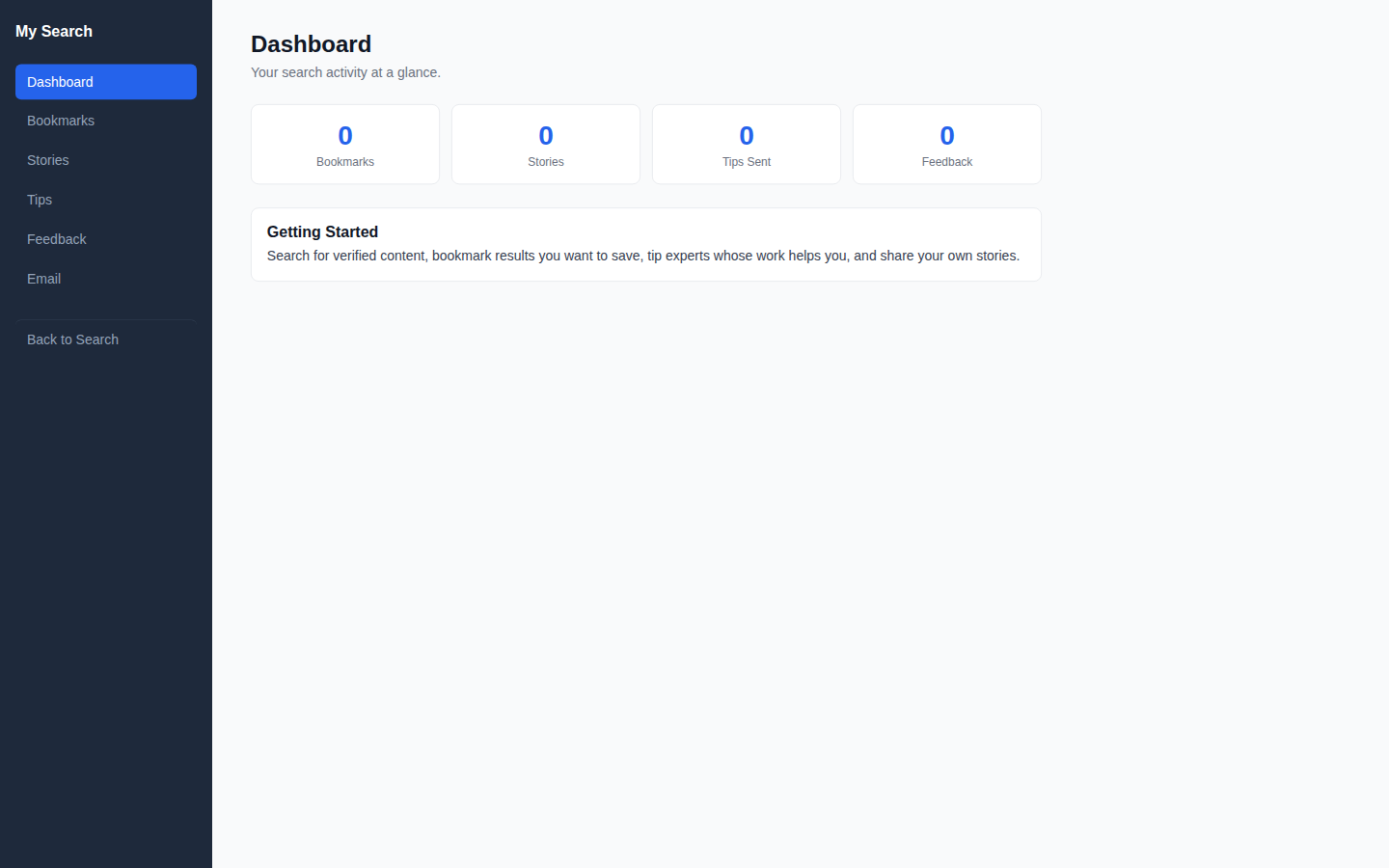
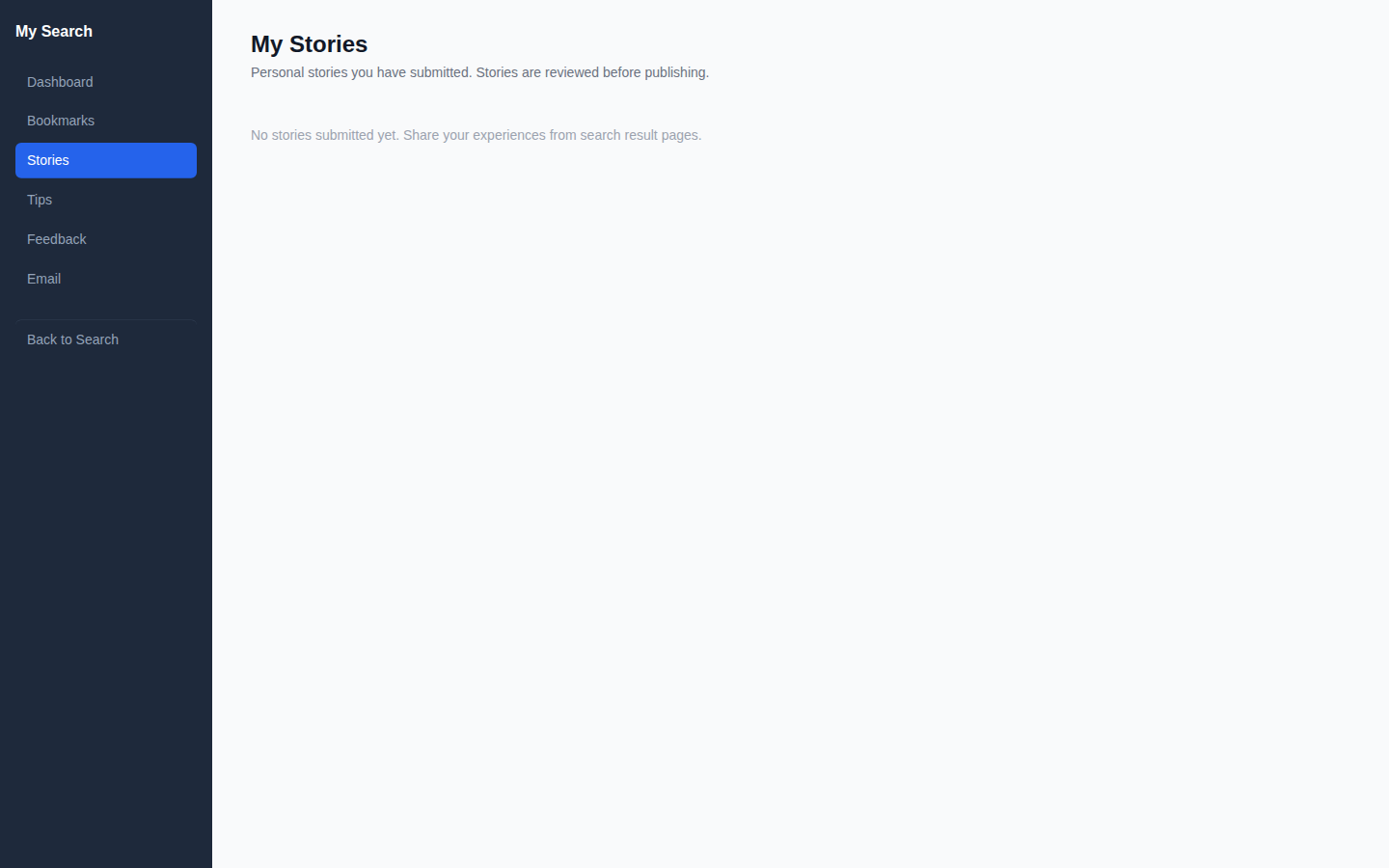
After logging in, visit your dashboard to see your activity at a glance. Stat cards show your Bookmarks, Stories, Tips Sent, and Feedback counts. The sidebar navigation takes you to each section.

Saving Bookmarks #
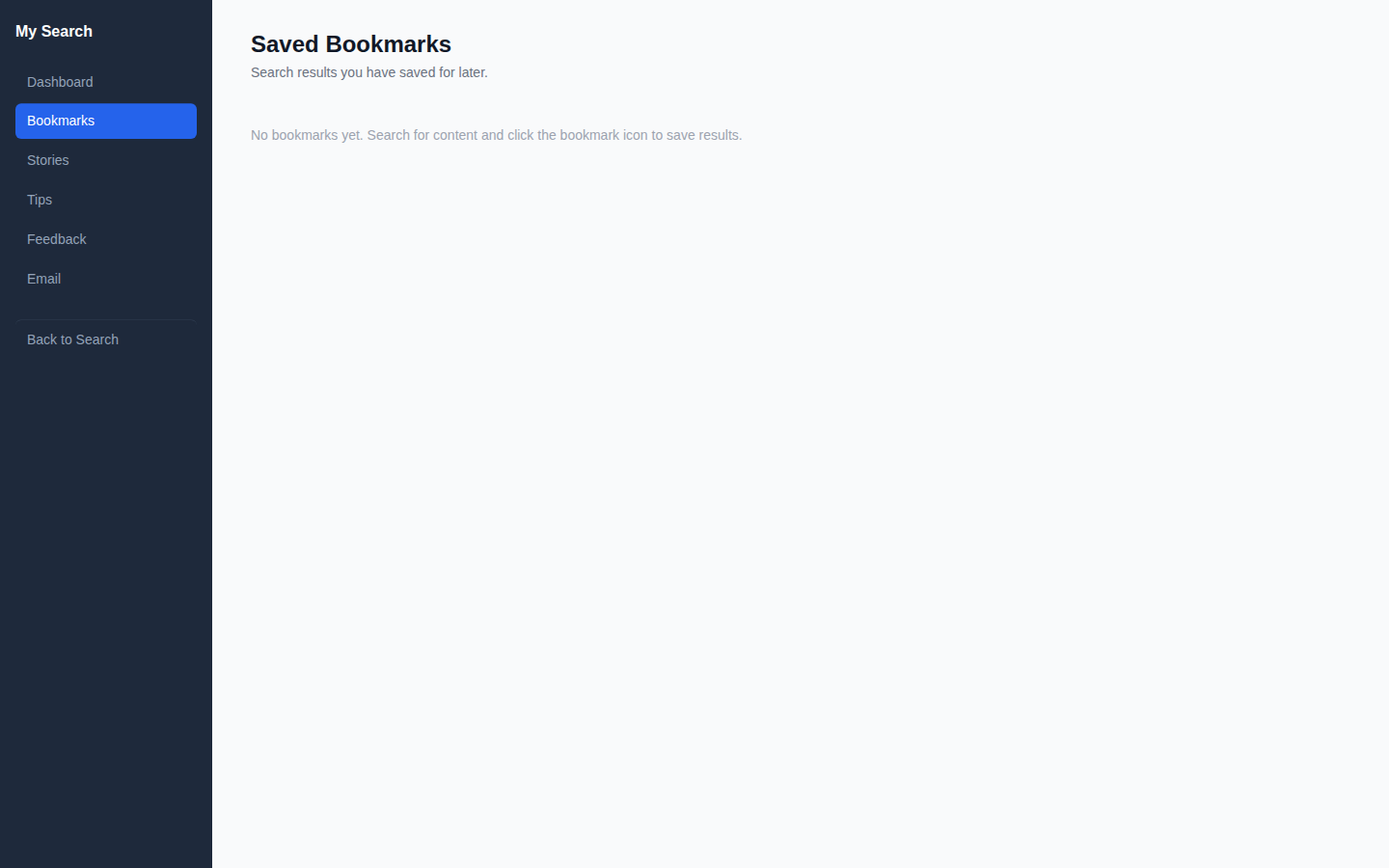
Found a result you want to come back to? Save it as a bookmark. All your saved results appear in your Bookmarks section for easy access later.
Tipping Experts #
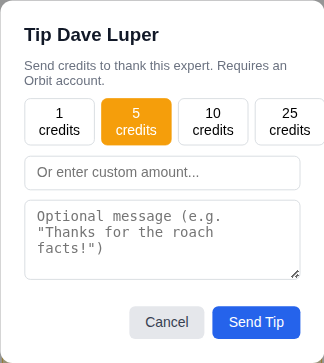
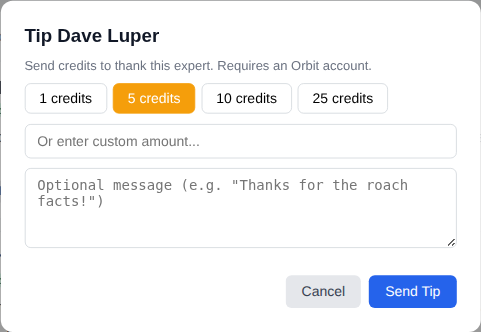
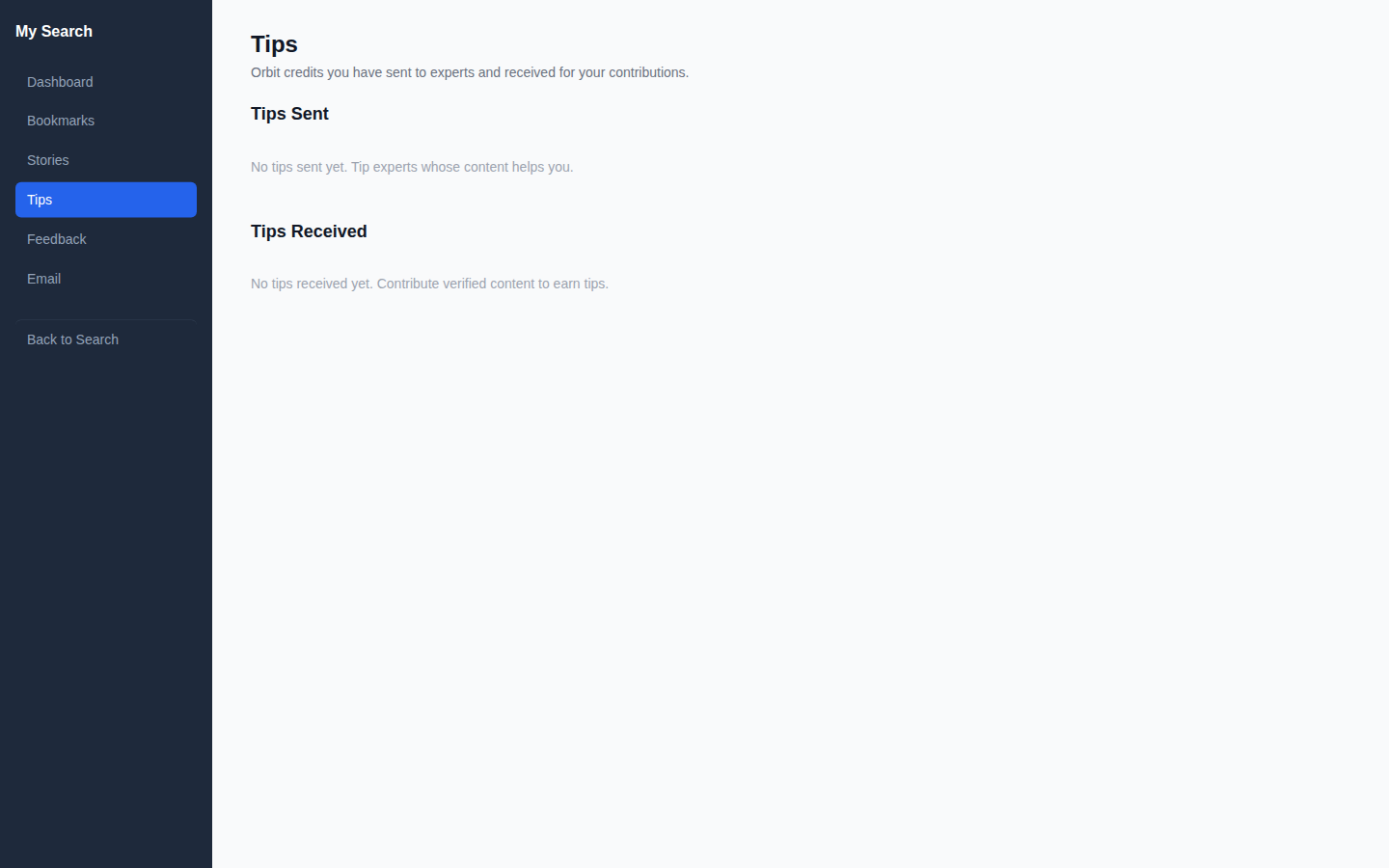
Click the Tip Expert button on any result to send Orbit credits to the author. Choose a preset amount (1, 5, 10, or 25 credits) or enter a custom amount. You can add an optional thank-you message. Credits transfer instantly from your balance to the expert's balance.
Sharing Your Story #
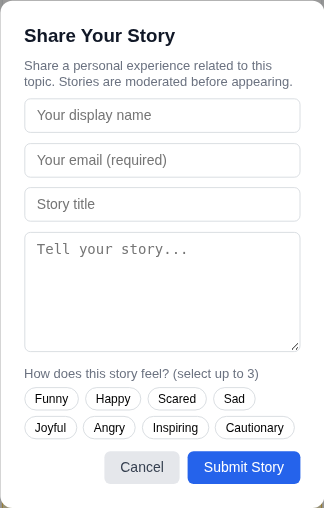
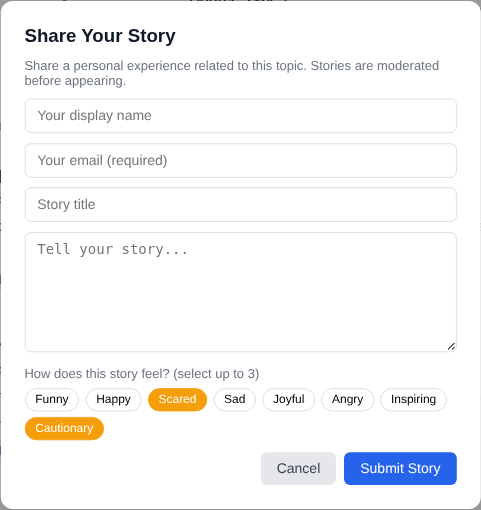
Click Share Story on any result to share a personal experience related to that topic. Enter your name, email, a title, and your story. Tag up to 3 emotions that describe how the experience felt — Funny, Scared, Cautionary, and more. Stories are reviewed by moderators before appearing publicly.
Your Feedback History #
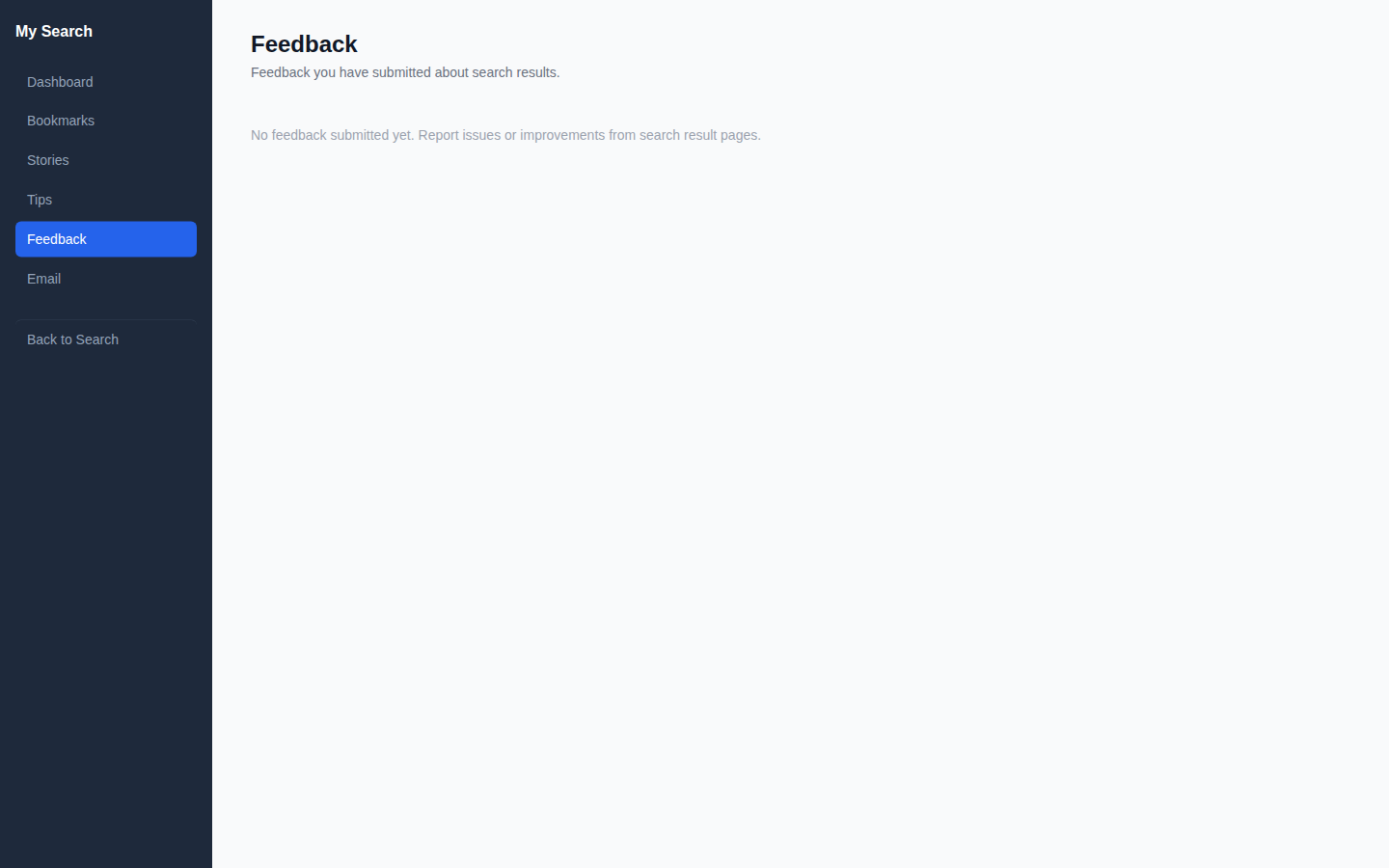
View all feedback you've submitted from your portal. Track whether your feedback has been reviewed by the admin team.
Your @luperiq.com Email #
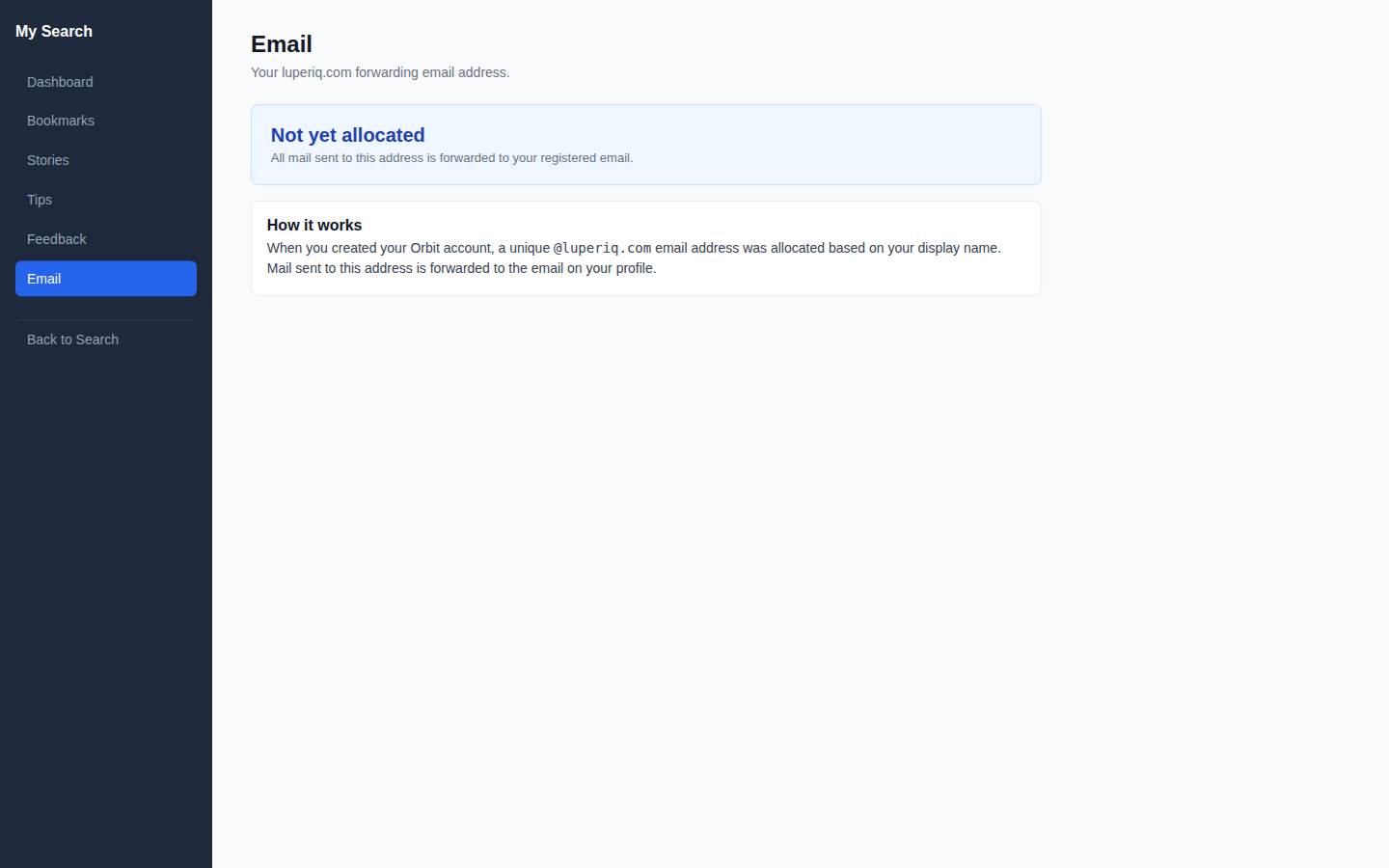
When you create an Orbit account, you get a unique forwarding email address: yourname@luperiq.com. All mail sent to this address forwards to the real email on your profile. It's used for platform notifications and contributor communications.
Works on Mobile #
The full portal works on your phone with sidebar navigation. Tip, bookmark, and share stories from any device.